Organization
This page explains the features available in the Organization Settings section of the MonitorDog Admin Console.
Administrators can view and edit information related to their organization.
⚠️ Only Viewer level administrators or higher can access this page.
Profile
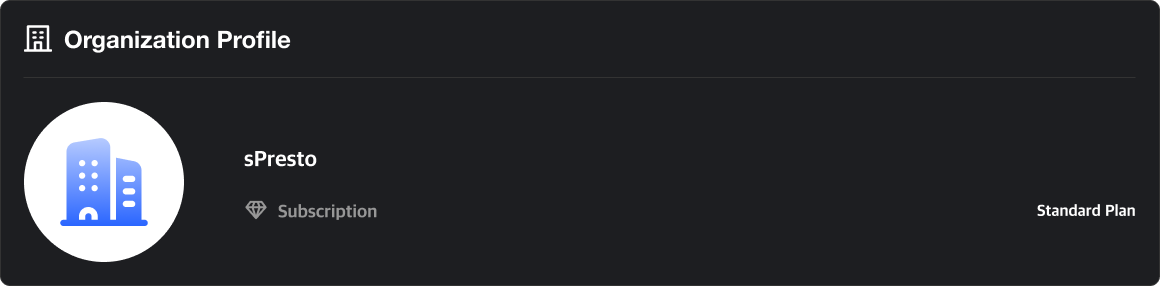
View and update your organization's profile information, including your current subscription plan.
Organization Settings
Edit details related to your organization.
Please note that only Manager-level administrators or higher have permission to make changes.
For more information on access rights, refer to Admin Role Details.
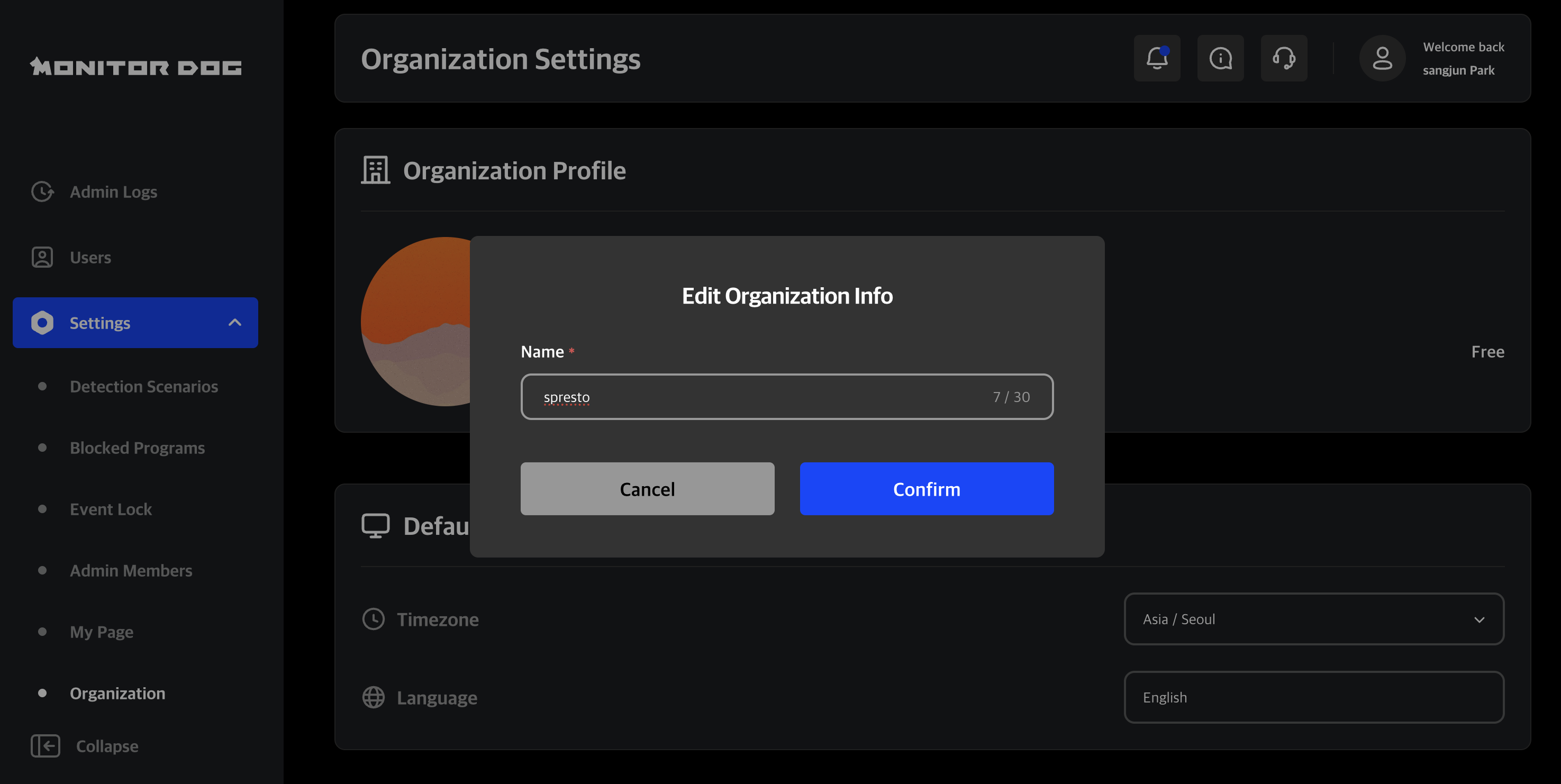
Edit Organization Info
You can update your organization's name and profile image.
Organization Preferences
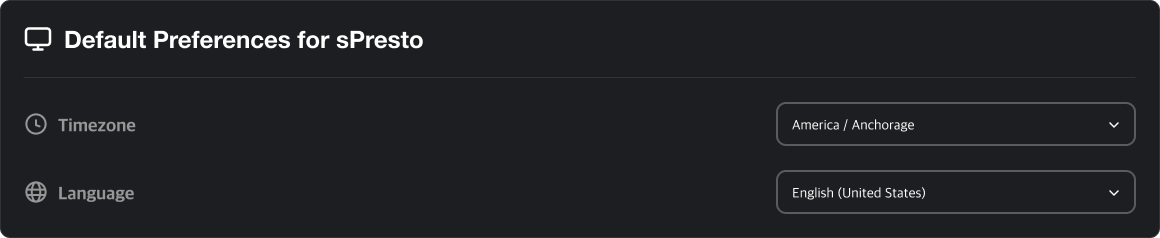
Set the default timezone for your organization.
Currently, English is the only supported default language.
Delete Organization
You can delete the organization entirely from this section.
⚠️ This action is irreversible. Proceed with caution.

User Default Settings
You can set the default values for users belonging to the organization. You can configure MFA and whether to require a password upon absentee unlock.
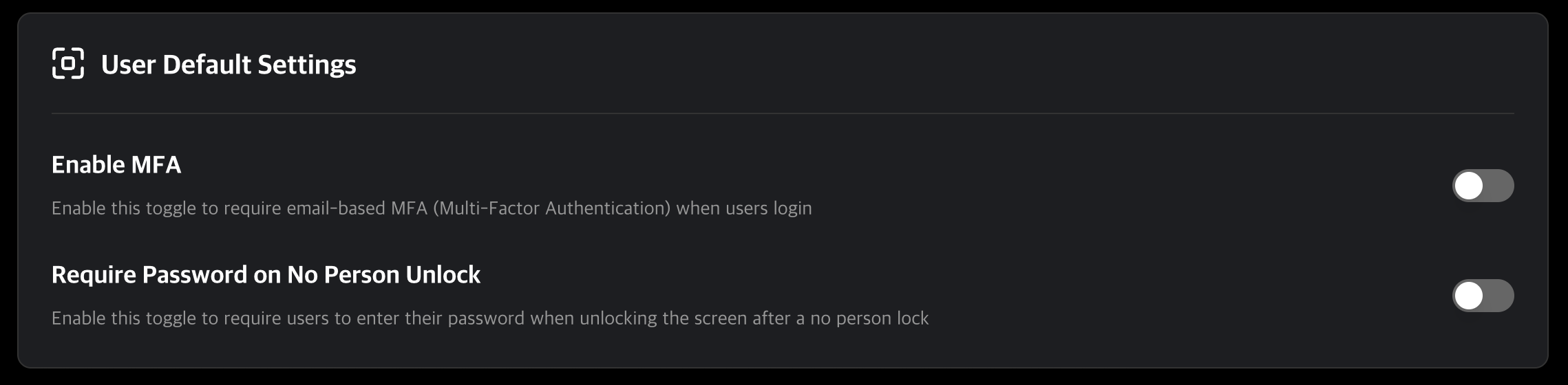
These rules are applied at the organization level by default. Individual user-level customization is available under [User Details → Manage User].
Q. What does it mean when a setting is applied organization-wide?
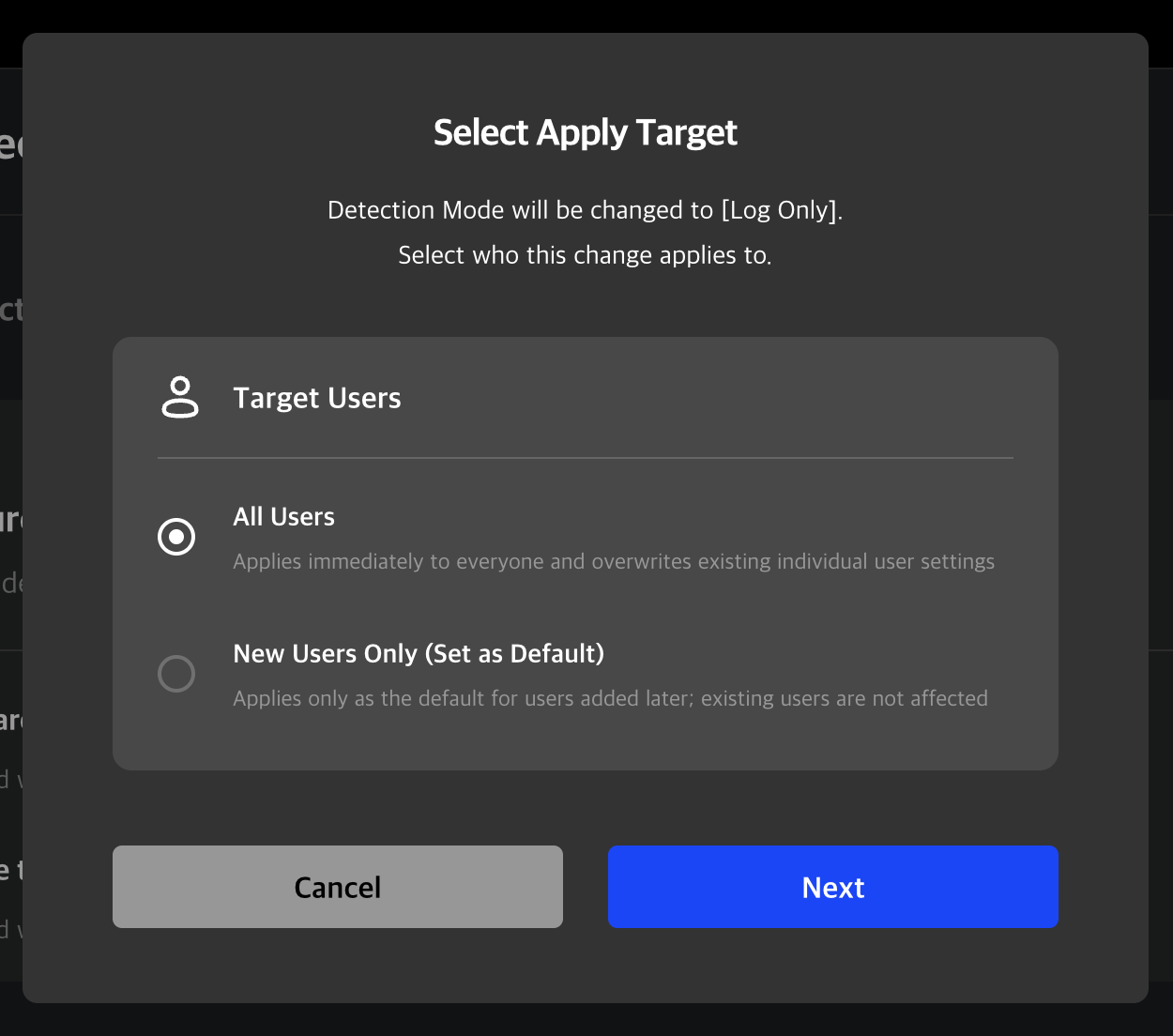
A. When modifying settings, two application options are provided:
All Users: Applies immediately to everyone and overwrites existing individual user settings.
New Users Only : Applies only as the default for users added later; existing users are not affected.
If you want to unify settings for all existing users, choose Apply to all users. If you prefer to keep current user settings and apply the new configuration only to newly added users, choose Apply to new users.