Demo
This page provides information about the MonitorDog Agent Demo feature.
The demo mode allows you to explore MonitorDog’s core features without logging in. AI model–based features operate using MonitorDog’s preset configurations, while functions such as DLP and restricted program detection are only available after logging in.
Getting Started with the Demo
You can download the MonitorDog demo from the official MonitorDog website, just like the regular program.
After installation, run the program and you’ll find a Demo Mode text link below the login button.
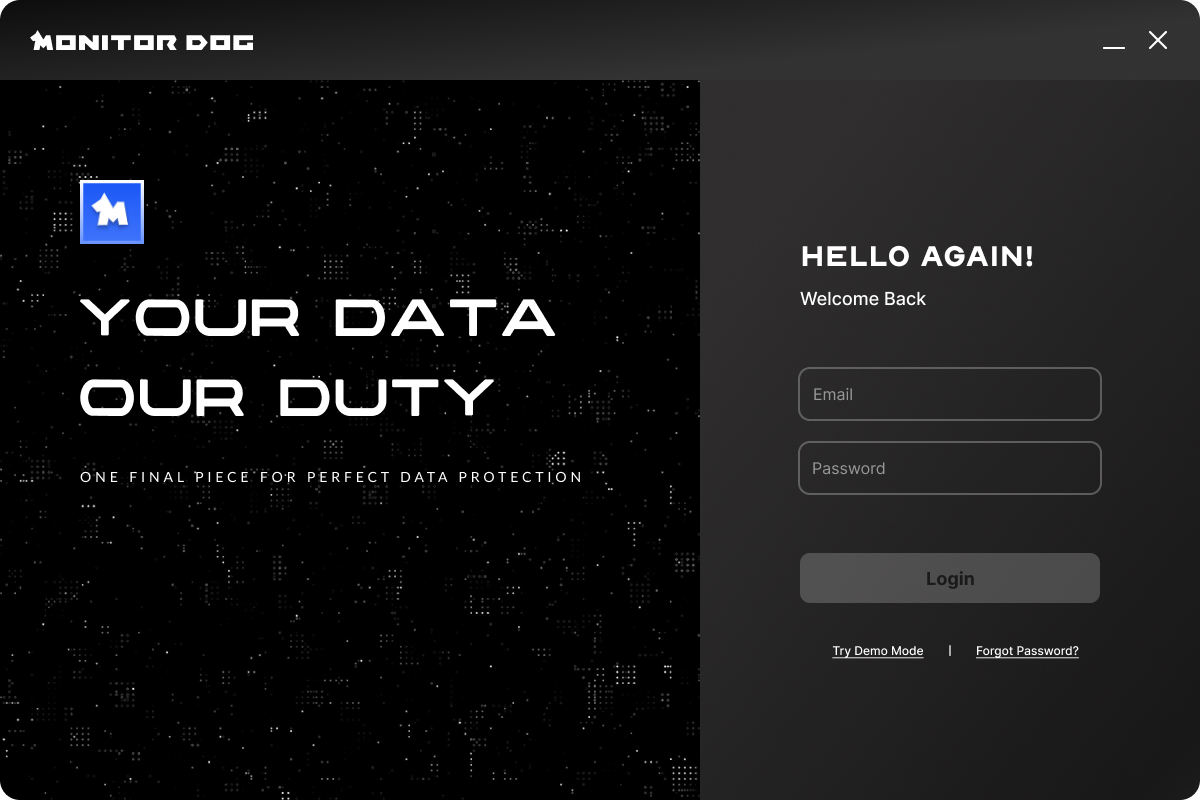
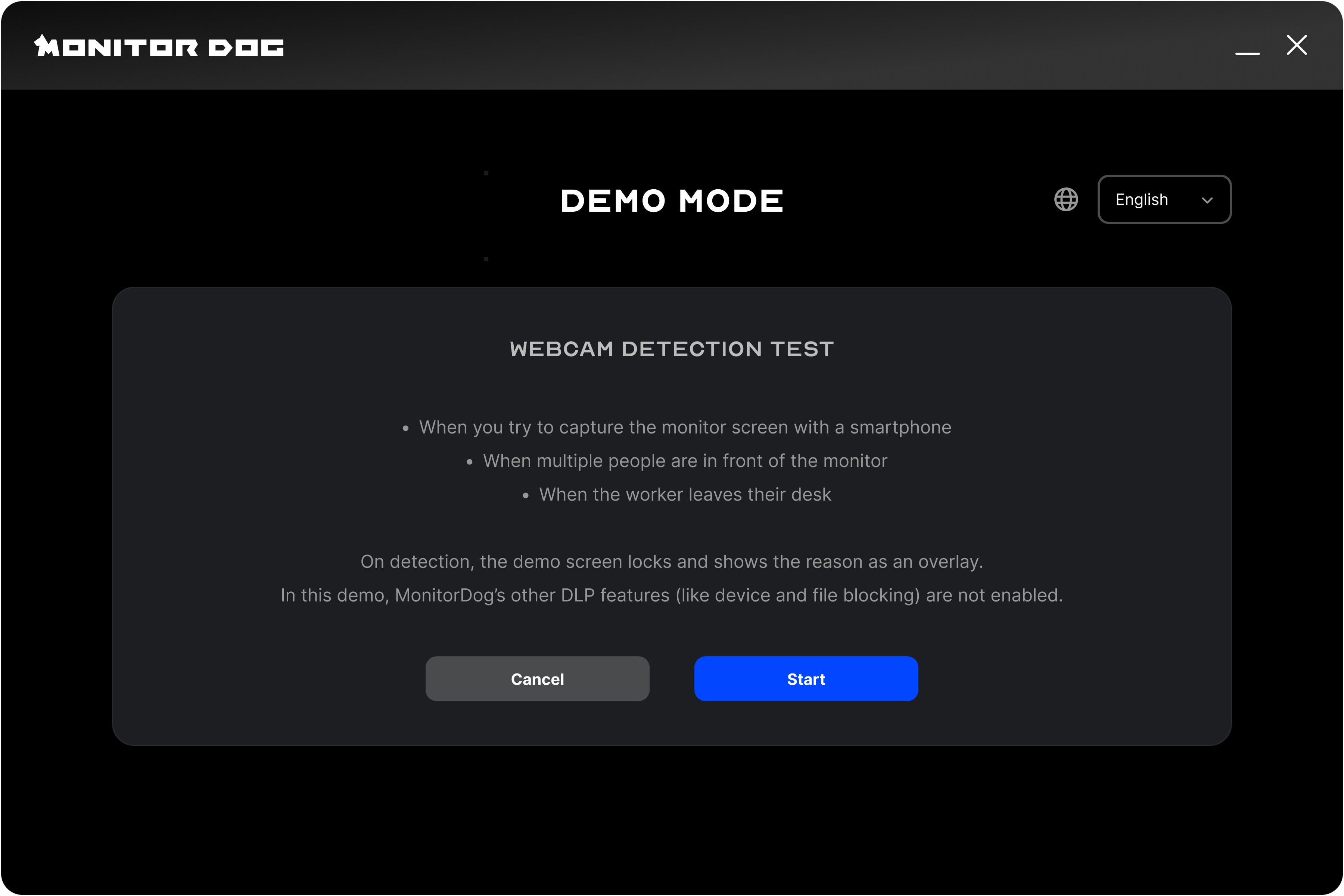
Clicking the link displays an explanation of the demo mode along with Start and Cancel buttons. Click Cancel to return to the login screen, or Start to launch the demo mode.
Q. I don’t see the Demo Mode text on the login screen!
A. If MonitorDog is already in use on this device, the demo feature will not be available.
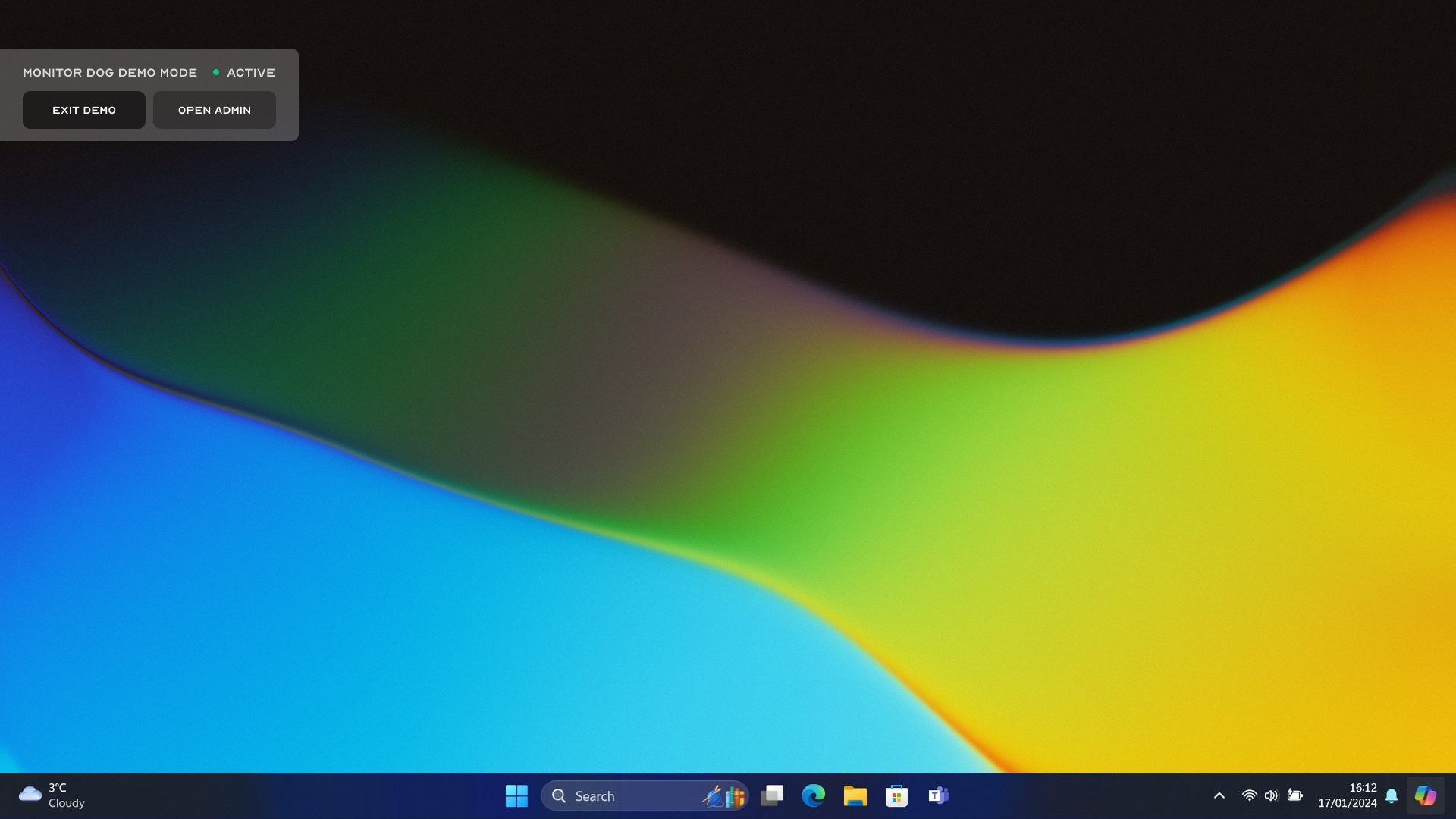
Once the demo mode starts, a demo overlay appears in the top-left corner of the screen. You can use the overlay to exit the demo or move to the demo admin page.
Q. Can I use the admin page as well?
A. Events generated in demo mode cannot be viewed in the actual admin page. To monitor real data, please log in. The provided admin interface is a demo version designed to show how monitoring works. You can explore events, suspicious behavior, and user activity within the demo environment.
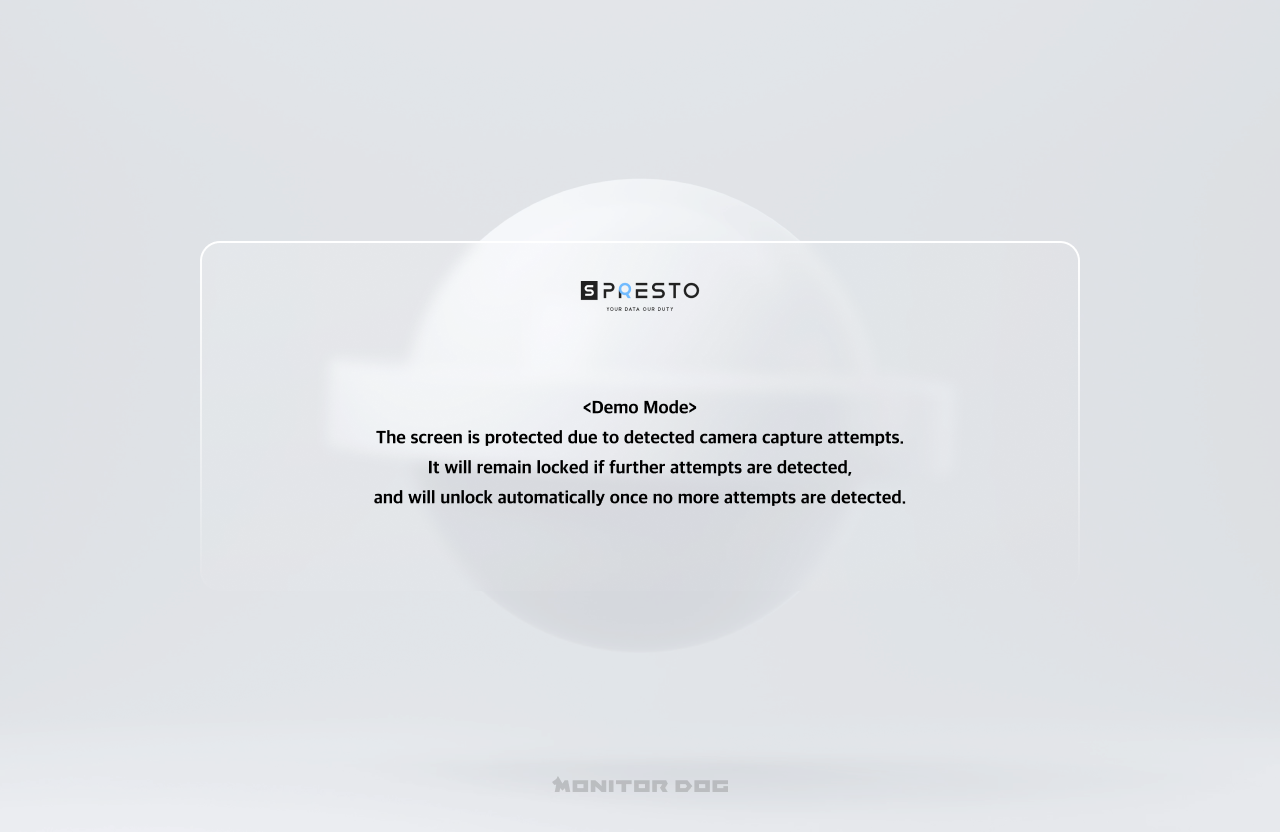
In demo mode, MonitorDog detects events based on preset conditions. When an event is detected, a lock screen appears, displaying the reason for the lock. The system automatically unlocks once no further events are detected.
Events Detected in Demo Mode
- Smartphone, Multi Person, No Person